Modules
When building large applications, we frequently break large, unwieldy code into smaller, manageable chunks called modules. Individual modules can then be assembled like Lego blocks to build a larger application.
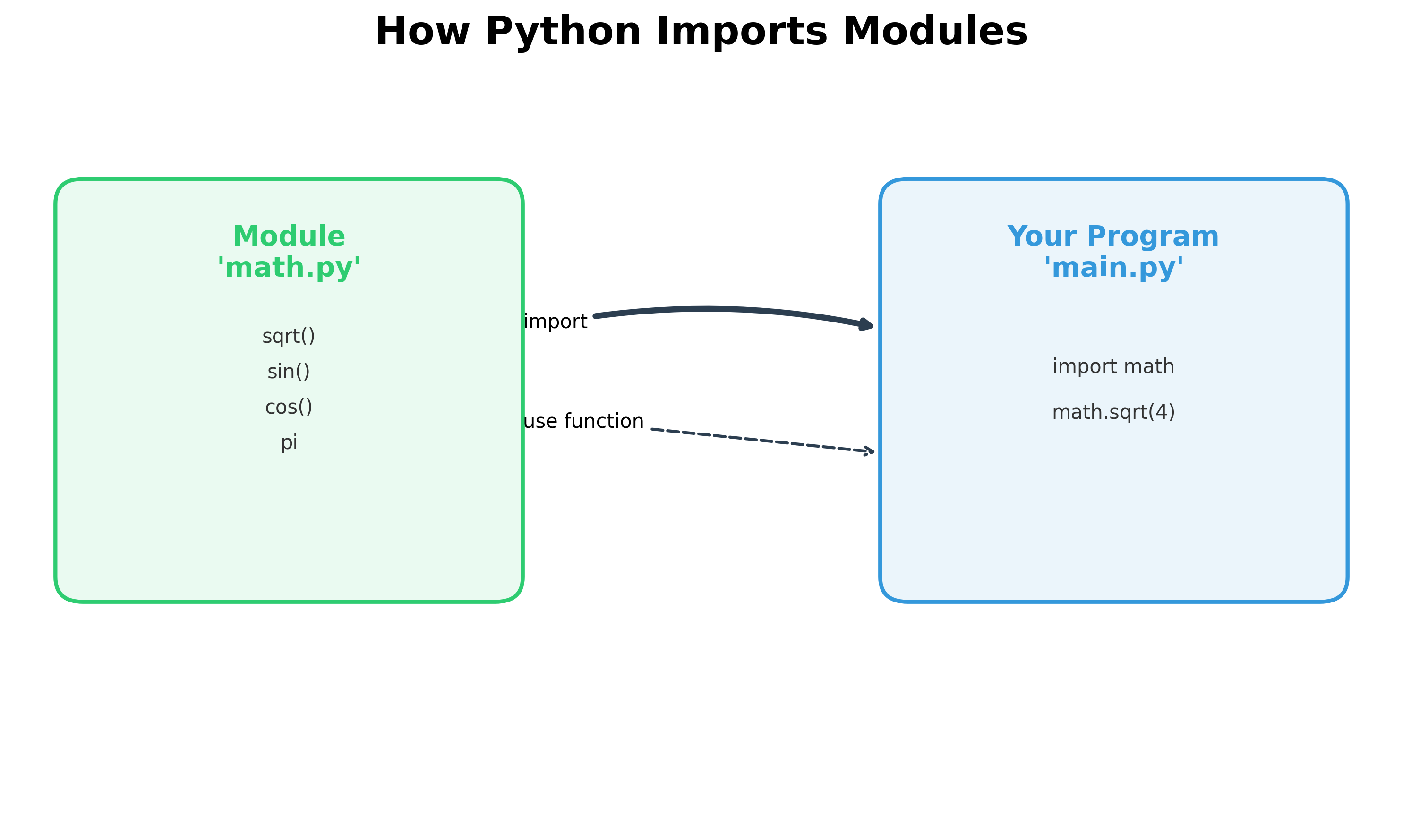
In Python, all code belongs to a module. When you start an interpreter to execute statements or run a Python file from the command prompt, the program you run is part of a module named __main__.
The name of the Python module a program belongs to is saved in a built-in variable called __name__. Run the statement print(__name__) to see the name of the current module.
Importing a Module
When a .py file is imported into another program, the module name is the name of the file itself.
For example, if you create a file called myprogram.py that defines a function called add(a, b), you can use that function in another program by importing the module using an import statement:
import myprogram
The module name used for the import is the same as the file name without the .py extension. Once imported, you can use the add function by referencing the module name:
myprogram.add(3, 4)
As an entry-level Data Analyst, you will focus on using existing modules and functions from open-source libraries rather than writing custom modules. Extensive libraries (groups of related Python files) have been developed by the open-source community, which you can access via the module system.
Python provides many built-in modules that are readily available. Additionally, the Anaconda distribution includes hundreds of pre-installed modules. For modules not included in Anaconda, you must first install (download) them before they can be imported. For all others, you can start using a module's functions immediately with the import keyword.
The random Module
In the example below, we import the random module to use its random() function.
# This module is readily available for import
import random

random_number = random.random()
print(random_number)
Output:
A random real number between 0 and 1.
To see all available functions and their usage for the random module, type:
help(random)
This displays the module's official documentation. Documentation text is added to Python files using triple quotes (''' or """). Any text within these quotes is printed when you use the help() function.
To get help on a specific function, such as randint, type:
help(random.randint)
Output:
Help on method randint in module random:
randint(a, b) method of random.Random instance Return random integer in range [a, b], including both end points.
The randint method returns a random integer between the two specified numbers, a and b.
In the previous example, you used the dot operator (.) on random to invoke the randint function. To simplify this and use randint directly, you can use the from keyword:
from random import randint

random_number = randint(2, 6)
print(random_number)
Output:
A random number between 2 and 6.
Alternatively, you can declare an alias for a module name during import:
import random as rm

random_number = rm.randint(2, 6)
print(random_number)
In this case, we import the random module and assign it the alias rm. We then use the dot operator on the alias rm to invoke randint.
The collections Module
The collections module provides specialized container datatypes. For example, Counter can accept a list of values, count them, and return a dictionary mapping each value to its frequency.
from collections import Counter

counts = Counter(["apple", "orange", "grapes", "apple", "apple", "grapes"])
print(counts)
Output:
Counter({'apple': 3, 'grapes': 2, 'orange': 1})
By invoking the most_common() function on the Counter object, you can retrieve the items with the highest counts:
from collections import Counter

counts = Counter(["apple", "orange", "grapes", "apple", "apple", "grapes"])
print(counts.most_common(2))
Output:
[('apple', 3), ('grapes', 2)]
Reference: Python Documentation: collections
Common Python Modules
| Module | Description |
|---|---|
| random | Functions for generating random numbers. |
| pickle | Functions for object serialization and storage. |
| tkinter | Functions for creating GUI (Graphical User Interface) applications. |
| decimal | Functions for high-precision decimal arithmetic. |
Modules for Data Analytics
| Module | Description |
|---|---|
| numpy | Efficient handling of large arrays and matrices. Essential for Data Analytics. |
| pandas | Built on top of NumPy; used for high-performance data manipulation and analysis. |
| matplotlib | The foundational library for 2D plotting and data visualization. |
| sklearn | Scikit-learn: A robust library for machine learning and image processing. |
| seaborn | High-level interface for creating statistical visualizations (heatmaps, violin plots, etc.). |
| plotly | Plotly Express: A high-level interface for creating interactive, publication-quality graphs. |
Official Reference: Python Documentation: Modules
Hands-on Exercises
Exercise 1: High Precision Math Functions
Write a Python program to round numbers dynamically using the standard math module.
- Import
ceilandfloordirectly from themathmodule. (Hint: Usefrom math import ...). - Define a decimal variable
val1 = 15.3and anotherval2 = 15.8. - Compute the ceiling of
val1(rounds up) and the floor ofval2(rounds down). - Print both results.
# Write your code below and click Run CodeClick to view Answer
from math import ceil, floor

val1 = 15.3
val2 = 15.8

print("Ceiling of val1:", ceil(val1)) # 16
print("Floor of val2:", floor(val2))  # 15
Exercise 2: Product Frequency Counter
You have a raw list of customer purchase categories:
purchases = ["electronics", "apparel", "electronics", "home", "electronics", "apparel"]
Write a Python program to find the shopping frequencies:
- Import the
Counterclass from thecollectionsmodule. - Initialize the
Counterwith thepurchaseslist. - Use the
most_common(1)method to extract the single most frequent category. - Print the result.
# Write your code below and click Run CodeClick to view Answer
from collections import Counter

purchases = ["electronics", "apparel", "electronics", "home", "electronics", "apparel"]

# Initialize Counter
item_counts = Counter(purchases)

# Find top item
top_category = item_counts.most_common(1)

print("Top Category Frequencies:", top_category)
# Output: [('electronics', 3)]